 RitmРусский
Ritm — your day, navigated
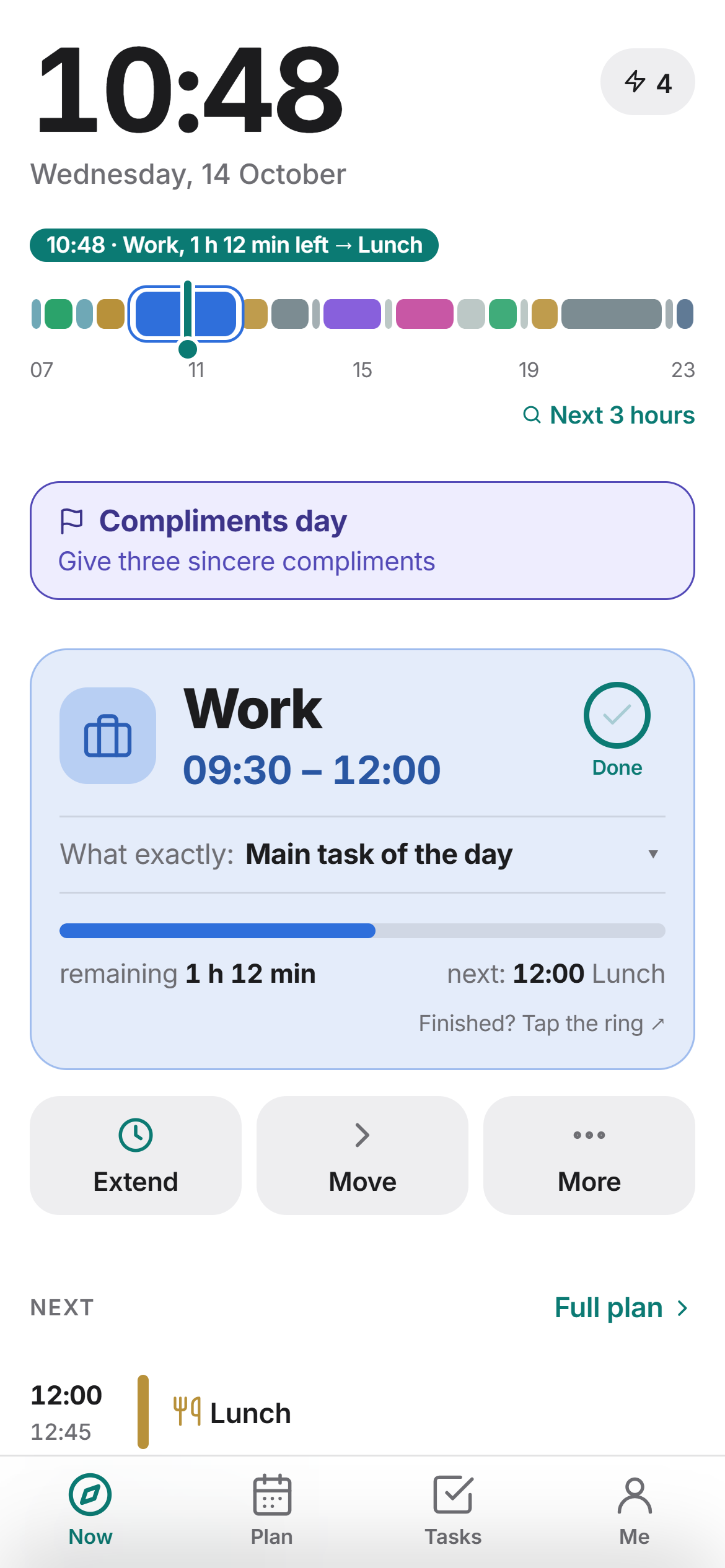
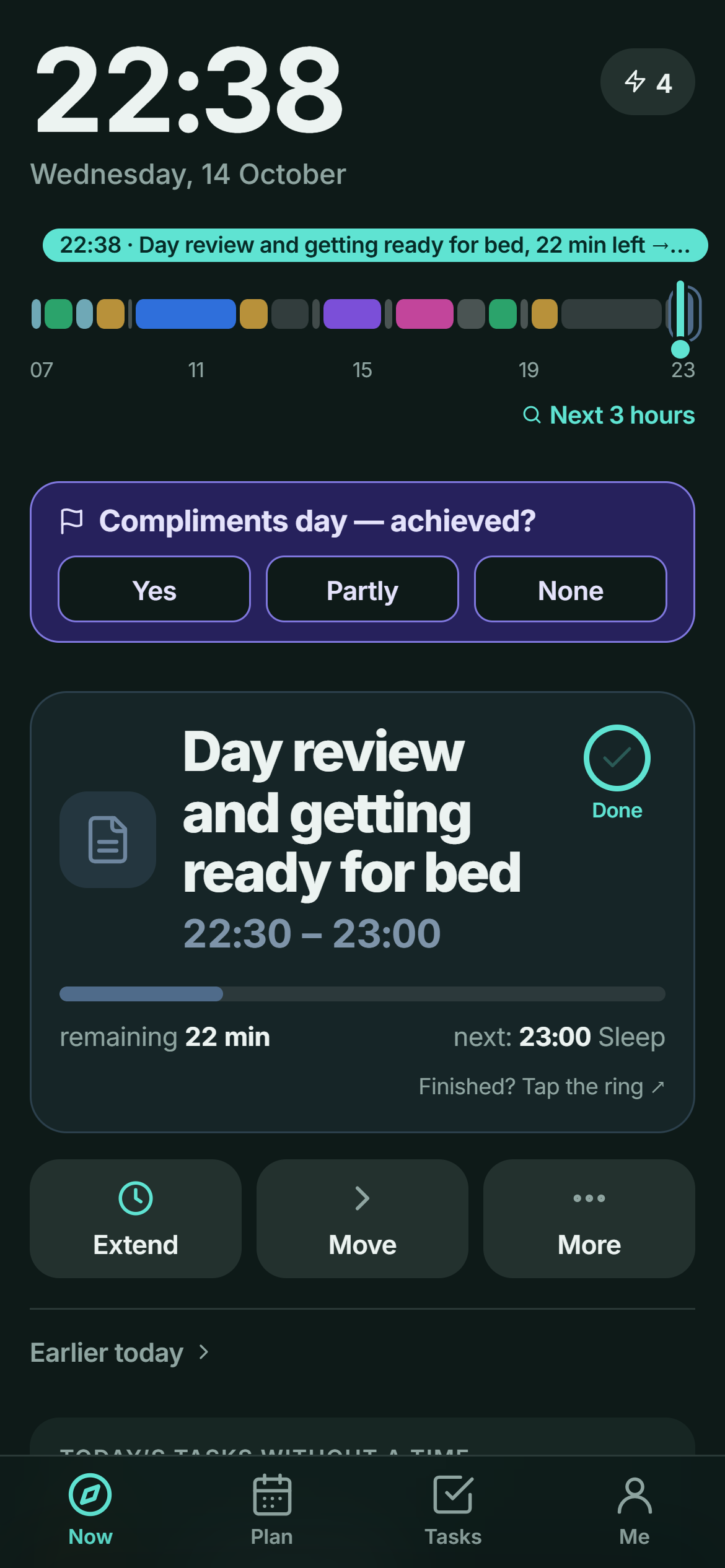
Open it and see what to do right now, how much time is left and what comes next. One button: Done.
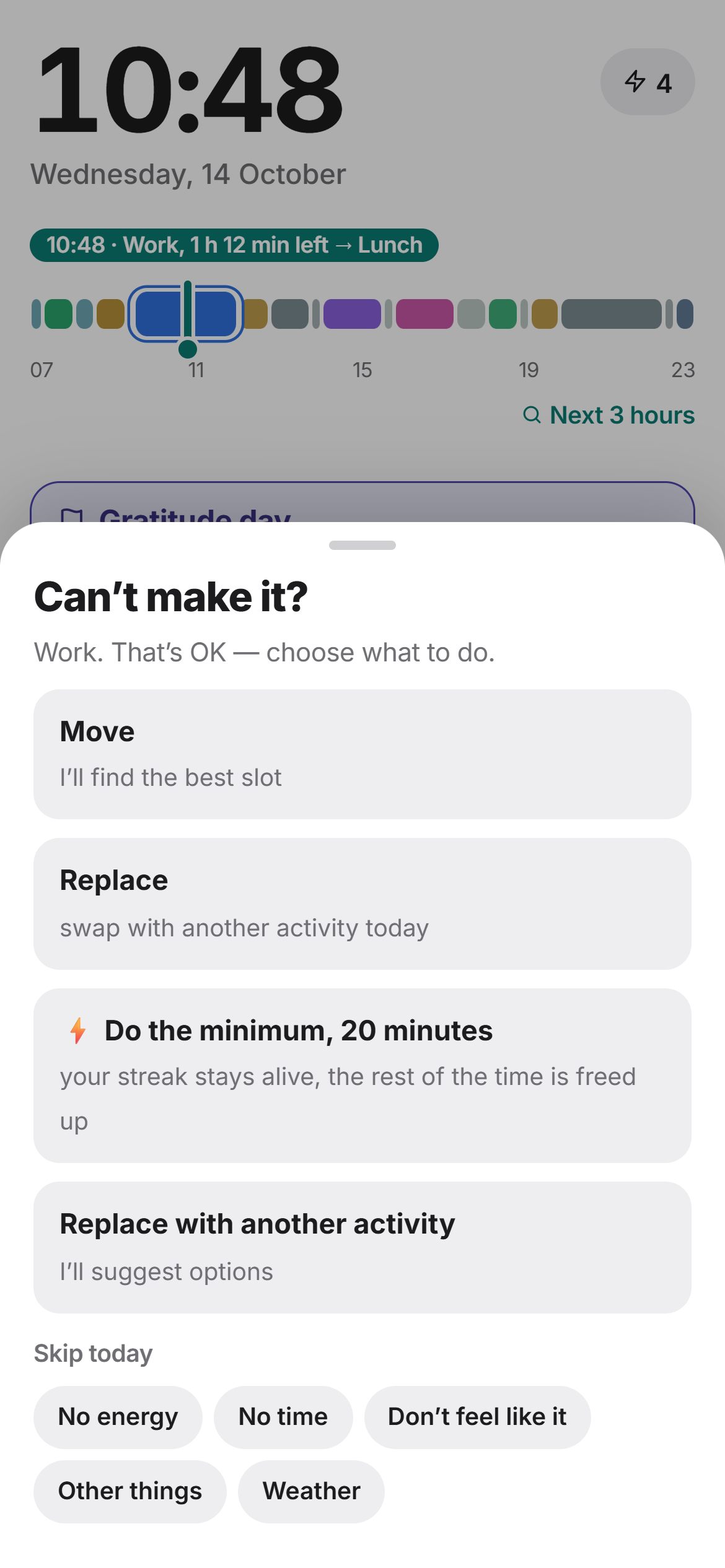
Can’t do it? Tap “Can’t”
Ritm suggests what to swap or where to move it without breaking the rest of your day. Replace, extend, drag and swipe — the plan changes in a couple of taps.
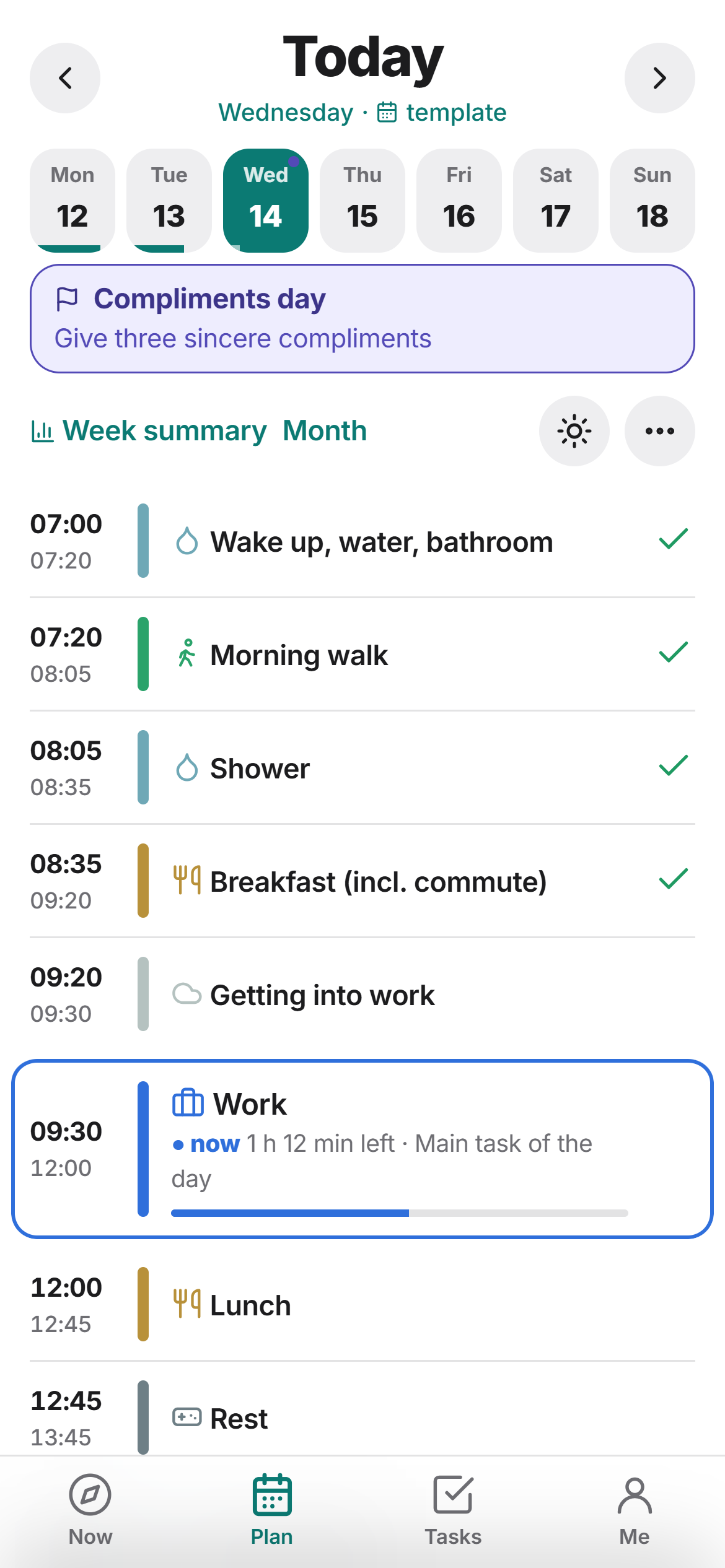
Your day and week
Answer three questions on first launch and your week is ready: wake-up, work, sport, rest, sleep. Week templates are easy to tweak.
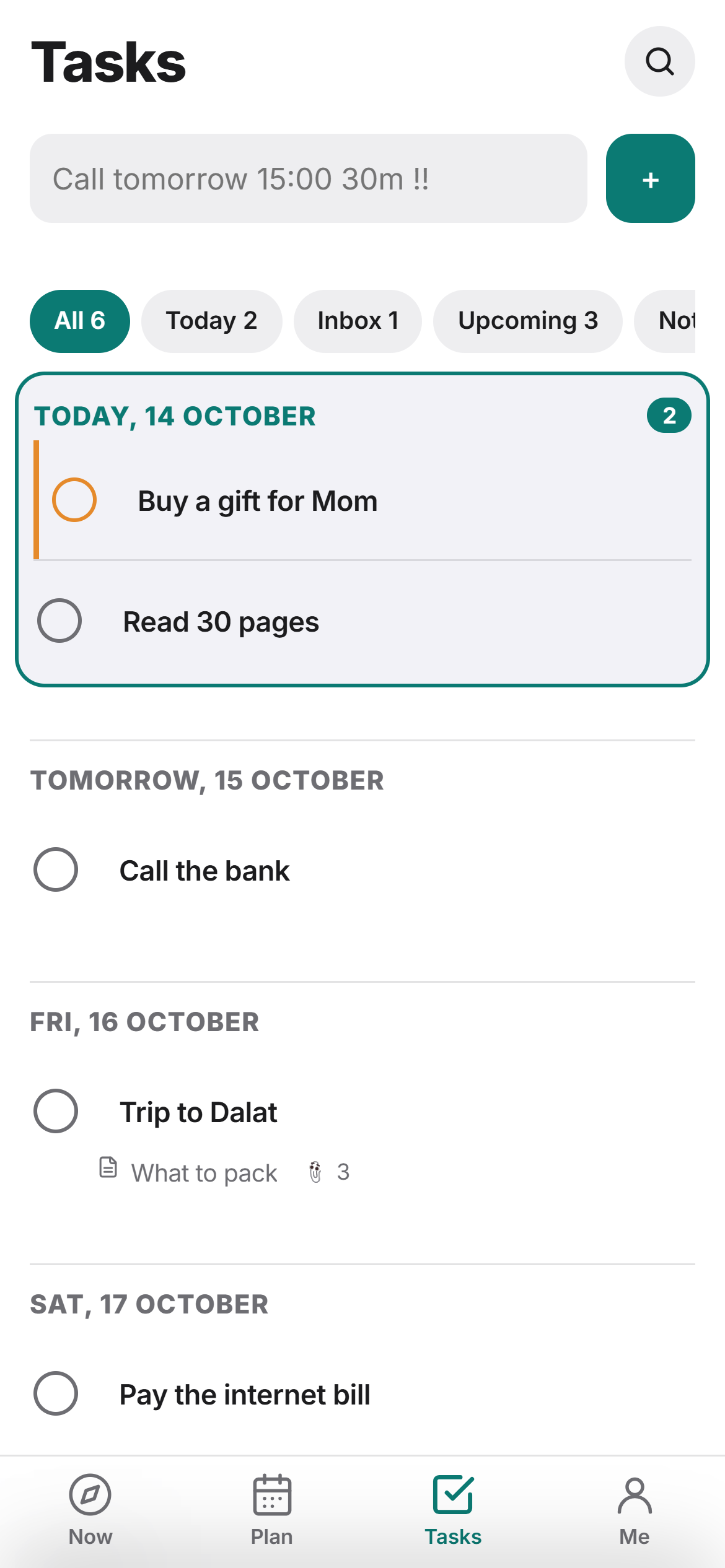
Tasks and notes
Quick input in plain words: “call tomorrow at 3 pm”. Due dates, repeats, folders, tags, checklists and voice notes. Import from TickTick and Todoist.
Alarms that actually ring
Up to five reminders per activity: a notification or a real alarm, even on a locked screen. Home screen widgets and a calm night theme.
Ritm Family
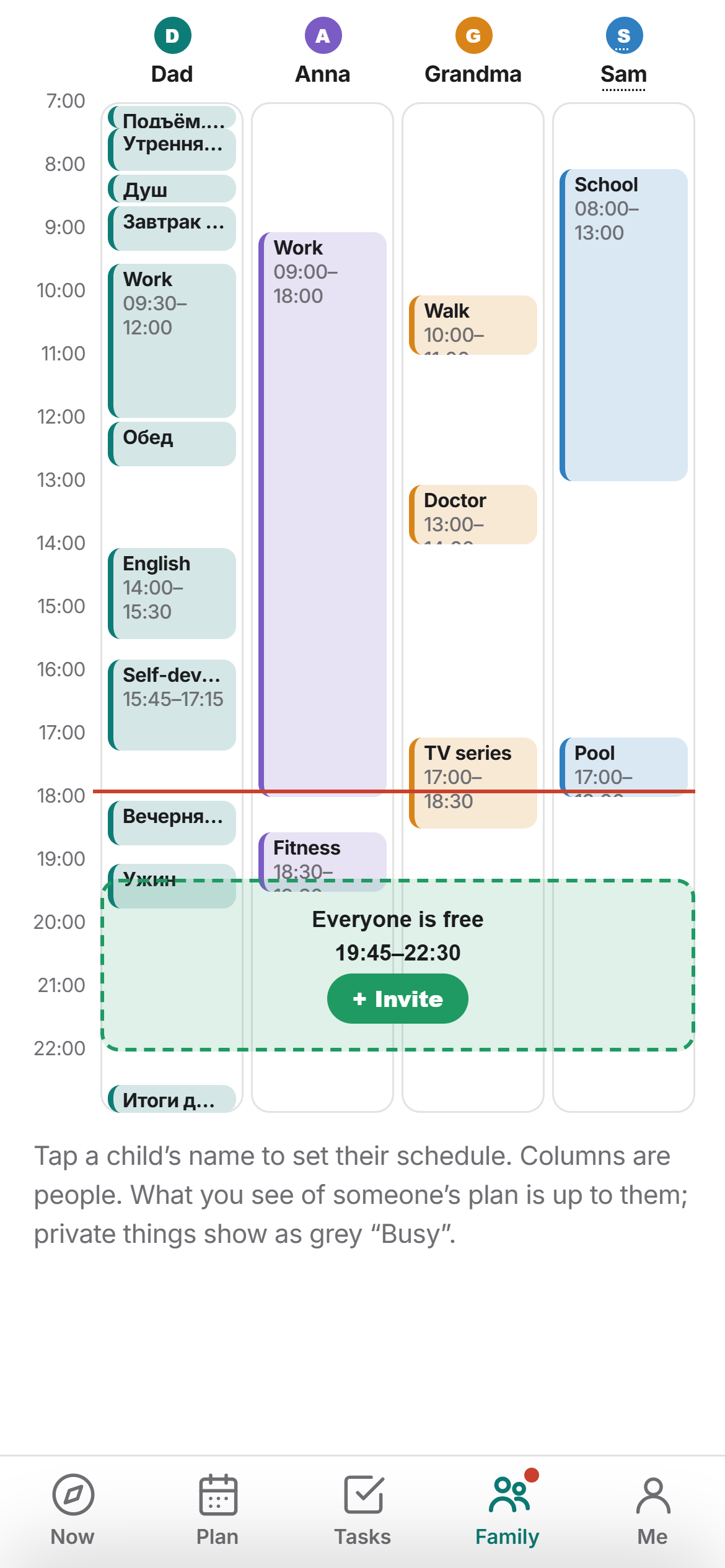
Shared tasks (“buy milk → Anna”), the family day with the time everyone is free, kids’ schedules and shared shopping lists. Everyone chooses what of their day to show. 14 days free.
Watch in a minute
FAQ
Is Ritm free?
Yes. Everything except Family is free, with no ads. Family is a paid subscription for the whole family, with the first 14 days free.
Where is my data stored?
On your phone. A cloud copy is made only if you sign in with Google yourself. Details are in the privacy policy.
Is there an iPhone version?
Not yet — Android only (Android 7 and newer).
Which languages?
English, Russian, Spanish, Portuguese, German, French, Italian, Dutch, Polish, Turkish, Japanese, Korean and Chinese.